
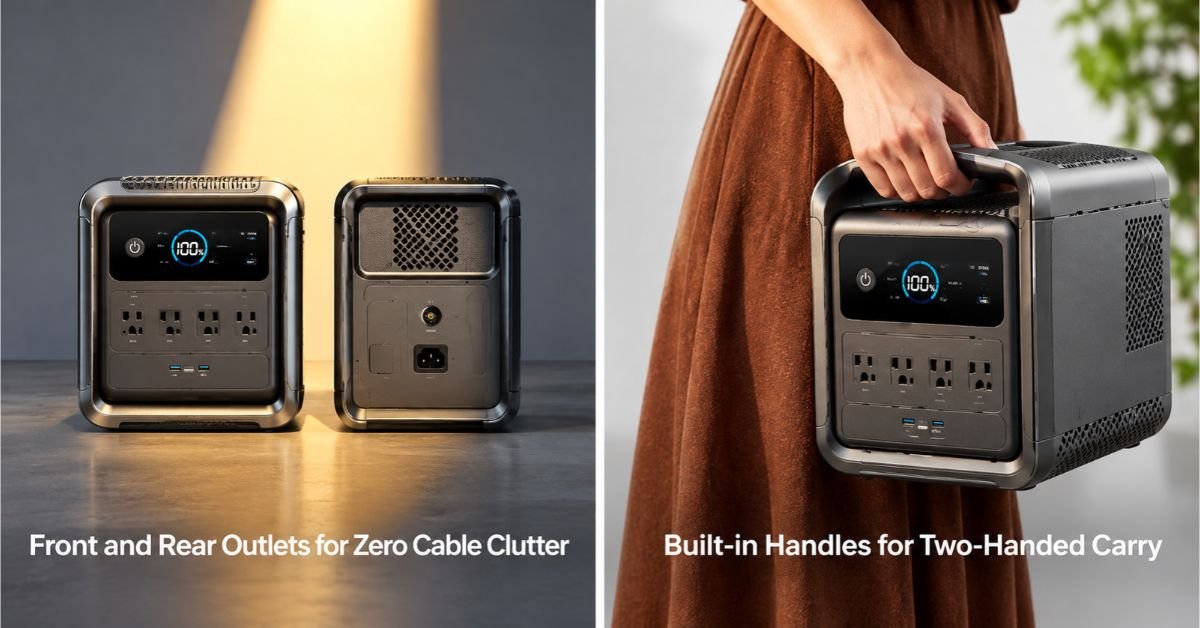
A television that is fine in a living room meets sunlight, distance and a crowd outdoors. The screen is the easy part; the signal and the sightline are what people actually fight with. Most setups fail on signal and placement, not on power, which is the part everyone plans. Power still sets the ceiling, because screen size and a streaming box decide how long the battery lasts. A screen in the wrong place cancels every watt spent on it. The fix is usually a longer cable and a different corner of the car park, not a bigger battery. This article works through power, signal and placement in that order, and shows where each one usually fails.
Television Power
Screen Size and Wattage
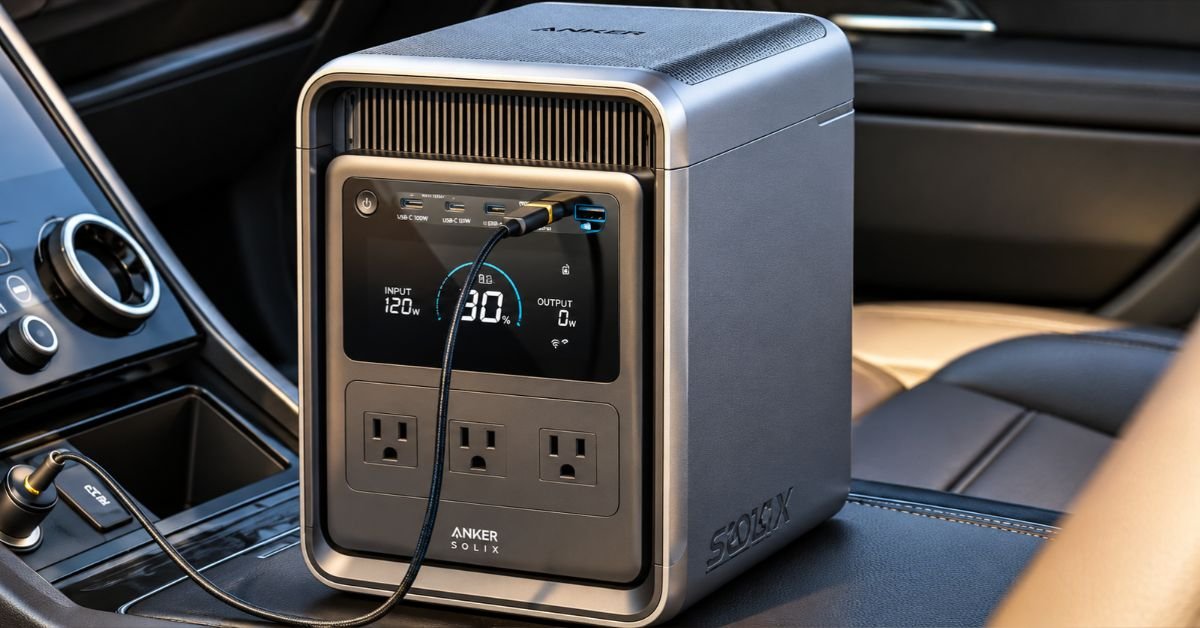
A modern 55-inch set draws around 100W in normal use, a 65-inch closer to 150W, and an older plasma can double that. Over a four-hour pre-game that is 400 to 600Wh, which is a serious share of a small battery. An Anker SOLIX S2000 holds 2,010Wh, so four hours of a 55-inch screen costs a quarter of the pack and leaves the afternoon intact. Check the label on the back rather than the specification online, because brightness changes the figure more than size does. Most guides to what is tailgate party stop at the menu, and the television is usually an afterthought. A set turned up to fight daylight draws half again its normal figure, so seventy percent is usually enough outdoors.
Antenna vs Streaming Setup
An antenna draws nothing and needs no data; a streaming stick draws a few watts and needs a phone, a hotspot and a signal. The antenna is more reliable in a car park and the streaming route is more flexible, and the right answer depends on whether the game is on a local channel. Decide before you pack, because the two setups need different cables. An antenna is the safer bet at a stadium, because the mobile network is the busiest it will be all week. If the game is on a streaming service, download it before you leave and the mobile network stops being decisive.
Signal Access
Over-the-Air Antenna Placement
Height beats power with antennas. Getting the aerial two metres up, clear of vehicles and facing the transmitter, does more than any amplifier. Scan for channels once at the venue rather than at home, since the transmitter you need is the one near the stadium. A short mast strapped to a roof rack is the usual solution and it takes a minute to raise. A cheap signal meter takes the guesswork out of aiming, and it costs less than a second trip to the shops. Aim the antenna at the transmitter rather than at the stadium, since the two are rarely in the same direction.
Mobile Data and Hotspots
A stadium car park is the worst possible place for mobile data: thousands of phones on one cell, all streaming the same game. Expect the connection to be slow and plan for it. Download what you can beforehand, keep the hotspot on the roof rather than in a pocket, and accept that the antenna may be the more reliable option on match day. Download the game before you leave if the app allows it, and the hotspot becomes a backup rather than a requirement. Keep the hotspot out of a pocket, because a phone that is warm from a body is a phone that throttles. A second phone on a different network is a crude but effective backup when the main one congests.
Outdoor Viewing Setup
Screen Placement and Glare
Face the screen away from the sun and towards the shade, because glare defeats brightness every time. A screen angled towards a crowd also needs to be high enough that the back row can see, which usually means a table rather than the tailgate itself. Bring a cloth for the glass, since a car park is a dusty place and a smeared screen looks broken. A dark cloth behind the screen improves contrast more than any setting, and it also hides the cables. Set the screen at eye level for a seated crowd and the back row stops standing up to see.
Audio and Cable Protection
Television speakers are lost outdoors, so plan a separate speaker and a cable long enough to reach it. Tape every connection that lies on the ground, and keep the power lead on the same side as the battery so nobody steps over it. A speaker with its own battery takes one cable off the ground entirely, which is one less thing for a passer-by to catch a foot on. Keep the speaker on the ground and the screen above it, so the sound reaches the crowd rather than the sky. A short extension from the battery to the screen keeps the heavy box out of the walkway. Bring a spare lead for the screen, because the one in the bag is always the one that fails.
Conclusion
Power, signal and placement are separate problems, and each one is solvable on its own. Solve them in that order, and the screen is showing the game while the neighbours are still looking for a channel. Twenty minutes of setting up beats two hours of troubleshooting, and the game starts either way. Set it up in the order of the three problems and the screen is live before the carpark fills. Plug in what matters first, leave the rest for the second half, and the battery finishes the game with something left. The margin is the point.
