
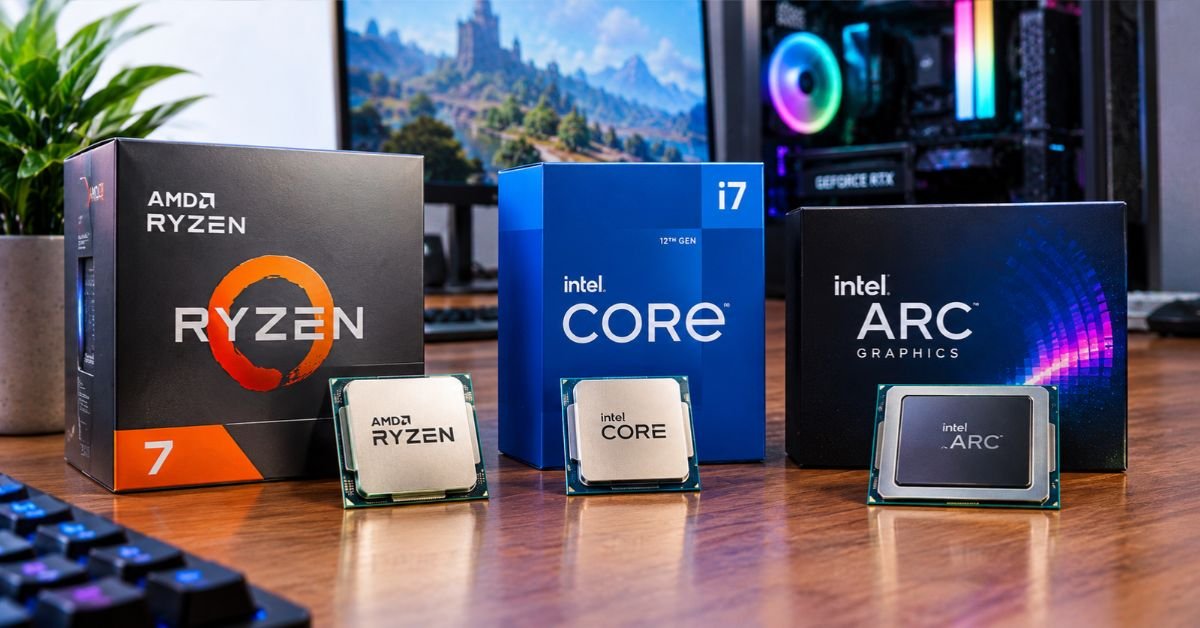
The processor with the best integrated graphics right now is the AMD Ryzen AI Max+ 395 (Radeon 8060S). It is the fastest iGPU you can buy in a laptop or mini PC. If you want the best integrated graphics at low wattage, such as in a thin laptop or handheld, Intel’s Core Ultra X9 388H (Arc B390) is the one to watch. If you’re building a desktop, the AMD Ryzen 7 8700G still has the strongest iGPU of any desktop processor.
The right answer depends on the form factor you’re buying. The rest of this guide explains why, what the numbers mean, and how to avoid the setup mistakes that quietly cut iGPU speed in half.
Quick Answer: Best Integrated Graphics by Category
| Category | Best Pick | iGPU | Why It Wins |
| Fastest overall (laptop/mini PC) | AMD Ryzen AI Max+ 395 | Radeon 8060S (40 CUs) | Highest raw graphics throughput of any iGPU |
| Best at low power (thin laptops, handhelds) | Intel Core Ultra X9 388H | Arc B390 (12 Xe3 cores) | Competitive with Strix Halo at 10-20W |
| Best desktop processor | AMD Ryzen 7 8700G | Radeon 780M (12 CUs) | Fastest iGPU in any socketed desktop chip |
| Best desktop value | AMD Ryzen 5 8600G | Radeon 760M (8 CUs) | Solid 1080p esports gaming at a lower price |
| Best for media work, not gaming | Intel Core Ultra 200S desktop chips | Intel Graphics | Strong AV1 encoding, modest 3D power |
What Actually Makes an iGPU “Best”?
Most buyers compare CPU core counts and assume the graphics follow. They don’t. Integrated graphics performance depends on a handful of factors that rarely appear on a spec sheet’s front page.
Graphics core count. More compute units (AMD) or Xe cores (Intel) means more parallel work per clock. This is the headline number, and it’s why a 40-CU chip embarrasses a 12-CU chip at high power.
Memory bandwidth. This is the factor most people miss. An iGPU has no dedicated video memory, so it borrows system RAM. According to CPU-Monkey’s iGPU ranking, memory bandwidth has the biggest effect on integrated graphics performance.
Power limit. An iGPU in a 15W ultrabook and the same silicon in a 65W mini PC behave very differently. Efficiency matters as much as peak speed.
Software support. Upscalers like FSR and XeSS can turn a 40 FPS game into a playable 60+ FPS one. Driver maturity matters here too.
Best Overall: AMD Ryzen AI Max+ 395 (Strix Halo)
If the question is purely “which processor has the best integrated graphics,” this is the answer.
The Radeon 8060S inside the Ryzen AI Max+ 395 is a different class of iGPU. One comparison lists it at 40 compute units and 2,560 shaders, with roughly 14.8 TFLOPS of theoretical throughput against 7.7 TFLOPS for Intel’s Arc B390. That is nearly double on paper.
In real games, the gap is smaller than the spec sheet suggests but still clear. In one set of Cyberpunk 2077 tests at 1080p Medium with FSR 3 Balanced, the Radeon 8060S reached 112 fps, Intel’s Arc B390 reached 99 fps, and the older Arc 140V managed 56 fps.
Where you’ll find it: premium laptops and compact mini PCs. Several mini PC makers ship Ryzen AI Max+ 395 systems, including a GMKtec model sold on Amazon.
Pros
- Highest iGPU performance available
- Strong multi-core CPU performance, which is useful for editing and compiling
- Can replace a mid-range dedicated GPU in compact builds
Cons
- Expensive, and mostly sold in complete systems
- Needs far more power and cooling than thin-and-light chips
- Not available as a standalone socketed desktop CPU
Best at Low Power: Intel Core Ultra X9 388H (Panther Lake)
Intel spent years behind AMD in integrated graphics. Panther Lake changes that conversation.
The top chip, the Core Ultra X9 388H, pairs four P-cores, eight E-cores, four low-power E-cores, the Arc B390 GPU, and a 50 TOPS NPU. The B390 uses Intel’s Xe3 architecture with 12 graphics cores.
The interesting result is at low wattage. Notebookcheck, citing The Phawx’s testing, reported that the Arc B390 ran Black Myth: Wukong at 30 FPS (720p, low) on just 10 W. The same report found the chip noticeably faster than the Ryzen AI Max+ 395 at both 15 W and 20 W.
That makes Panther Lake a natural fit for handhelds and battery-conscious laptops. Strix Halo takes over when you give it 45W or more and the 40-CU advantage kicks in.
Pros
- Excellent graphics per watt
- Strong single-core CPU speed
- Much better iGPU than Intel’s previous Arc 140V and 140T generations
Cons
- Still well behind Strix Halo at full power
- Laptop-only (no desktop socket version)
- Newer platform, so driver tuning is still maturing
SEE MORE: Best iGPU for Gaming in 2026: Top Picks Ranked
Best Desktop Processor: AMD Ryzen 7 8700G
On a desktop, you can almost always add a dedicated graphics card later. But if you want a PC that games without one, the 8700G is the pick.
PC Gamer’s review called its Radeon 780M the most powerful integrated graphics solution ever seen on the desktop. It launched at $329, alongside the $229 Ryzen 5 8600G with Radeon 760M graphics.
The 8700G has 12 RDNA 3 compute units, and the 8600G has 8. In practice, the 8700G delivers playable 1080p performance at low-to-medium settings in most esports and older AAA titles.
One catch worth knowing: the 8700G’s PCIe connection for a discrete card is limited. It runs a PCIe 4.0 x8 link to a graphics card, which is fine for most GPUs but worth noting if you plan to upgrade.
Pros
- Best iGPU you can drop into a standard AM5 desktop
- 8 Zen 4 cores handle productivity work well
- Low power draw at 65W
Cons
- At its price, a cheaper CPU plus a used graphics card often beats it on raw gaming speed
- Needs fast dual-channel DDR5 to perform well
- Last-generation architecture compared to newer mobile chips
Best Value: AMD Ryzen 5 8600G
If the 8700G’s price feels steep, the 8600G is the sensible step down. You lose four graphics CUs and two CPU threads’ worth of headroom, but it still handles esports titles, emulation, and everyday work comfortably.
Guru3d’s verdict was measured. It called the graphics plenty for a mainstream PC at $229, though not truly compelling. That’s fair. Buy the 8600G because you want a compact, quiet, GPU-free build, not because it’s the cheapest way to game.
What About Intel Desktop Chips?
Intel’s Core Ultra 200S desktop processors include basic integrated graphics. They are fine for office work, 4K video playback, and media tasks. One buying guide notes that the 200S series brings AV1 hardware encoding and stronger media capabilities than before.
For 3D gaming, though, they are not in the same league as the Ryzen G-series. If your goal is gaming without a graphics card, skip them.
Head-to-Head Comparison
| Processor | Platform | iGPU | Graphics Cores | Best For | Weak Spot |
| Ryzen AI Max+ 395 | Laptop / mini PC | Radeon 8060S | 40 CUs | Maximum iGPU speed | Price, power draw |
| Core Ultra X9 388H | Laptop / handheld | Arc B390 | 12 Xe3 cores | Efficiency, low-wattage gaming | Ceiling at high power |
| Ryzen 7 8700G | Desktop (AM5) | Radeon 780M | 12 CUs | Desktop gaming without a GPU | Price vs. CPU + GPU combos |
| Ryzen 5 8600G | Desktop (AM5) | Radeon 760M | 8 CUs | Budget compact builds | Less headroom |
| Core Ultra 200S | Desktop (LGA 1851) | Intel Graphics | Small | Office, media, AV1 | Weak 3D gaming |
Prices and availability change often, so check current listings before buying.
How to Get the Most Out of Integrated Graphics
A great iGPU can still perform badly if you set it up wrong. These steps matter more than the processor choice itself.
Use Dual-Channel Memory
This is the biggest single fix. One RAM stick means half the bandwidth, and your iGPU pays for it directly. Always install two matched modules.
Buy Fast RAM and Enable Its Profile
For desktop APUs, fast DDR5 makes a measurable difference. One review notes the 8600G needs dual-channel DDR5-6000 or faster for the best iGPU results. After installing, enable EXPO or XMP in the BIOS. Memory runs at a slow default speed until you do.
Set the Right Frame Buffer Size
Some BIOS menus let you set how much system memory the iGPU reserves (often called UMA Frame Buffer Size). If a game complains about low video memory, raise it to 4GB or 8GB if you have 32GB of RAM or more.
Plug the Monitor Into the Motherboard
This catches many first-time builders. Your display cable must go into the motherboard’s video output, not a graphics card port. No signal on boot is often this simple.
Keep Drivers Current
Update the chipset and graphics drivers directly from AMD or Intel. Panther Lake in particular is still receiving game-specific optimizations.
Troubleshooting Common iGPU Problems
The game runs poorly despite a strong chip.
Open Windows Settings → System → Display → Graphics and confirm the game is set to use the high-performance GPU. On laptops with both integrated and dedicated graphics, apps sometimes pick the wrong one.
No display on a new desktop build.
Check that the cable is in the motherboard port. Then confirm the BIOS is current, since older versions may not recognize newer APUs.
Stuttering in games.
Check for single-channel memory first. Then check temperatures, because an iGPU shares a thermal budget with the CPU and throttles quickly in cramped cases.
iGPU disappears when a graphics card is installed.
Some boards disable it by default. Look for an “iGPU Multi-Monitor” or similar option in the BIOS.
Quick Buying Checklist
- ☐ Decide your form factor first: laptop, mini PC, handheld, or desktop
- ☐ Set a realistic target, such as 1080p medium in esports games versus modern AAA at high settings
- ☐ Confirm the system ships with dual-channel memory
- ☐ Check the actual power limit the manufacturer sets, not just the chip name
- ☐ Look for independent reviews of your exact laptop or mini PC, since cooling varies widely
- ☐ Compare the total price against a budget CPU plus a dedicated card (desktop only)
- ☐ Verify BIOS and driver support for the chip you’re buying
Should You Skip Integrated Graphics?
Integrated graphics make the most sense when size, noise, power, or cost matter more than top frame rates. Compact PCs, home theater boxes, travel laptops, and handhelds are all good fits.
If your goal is high-refresh gaming at 1440p or above, a dedicated graphics card is still the better route. Even the best iGPU is a trade-off, and Strix Halo’s high price proves it.
Final Verdict
For raw speed, the Ryzen AI Max+ 395 has the best integrated graphics available. For efficiency at low power, Intel’s Core Ultra X9 388H is the surprise leader. For desktops, the Ryzen 7 8700G is the pick, with the Ryzen 5 8600G as the budget alternative.
Whichever you choose, pair it with fast dual-channel memory. That single decision does more for iGPU speed than most spec upgrades.
Frequently Asked Questions
Which processor has the best integrated graphics for gaming?
The AMD Ryzen AI Max+ 395 with Radeon 8060S offers the strongest integrated gaming performance. On desktop, the Ryzen 7 8700G with Radeon 780M is the best option.
Is Intel or AMD better for integrated graphics?
AMD leads at high power and on desktop. Intel’s newest Panther Lake chips have closed much of the gap and can match or beat AMD at very low wattage, which suits handhelds and thin laptops.
Can integrated graphics run games at 1080p?
Yes, in many titles. Esports games and older AAA games run well at 1080p on strong iGPUs, while newer demanding games usually need lowered settings or upscaling like FSR or XeSS.
Does RAM speed affect integrated graphics?
Yes, a lot. Integrated graphics share system memory, so faster dual-channel RAM directly improves frame rates. Single-channel memory can cut performance sharply.
SEE MORE RELATED ARTICLES:
- Best iGPU for Gaming in 2026: Top Picks Ranked
- Ryzen 5 vs Ryzen 7 (2026): Don’t Overpay for Cores
- CPU With Best Integrated Graphics: The 2026 Buyer’s Guide
