
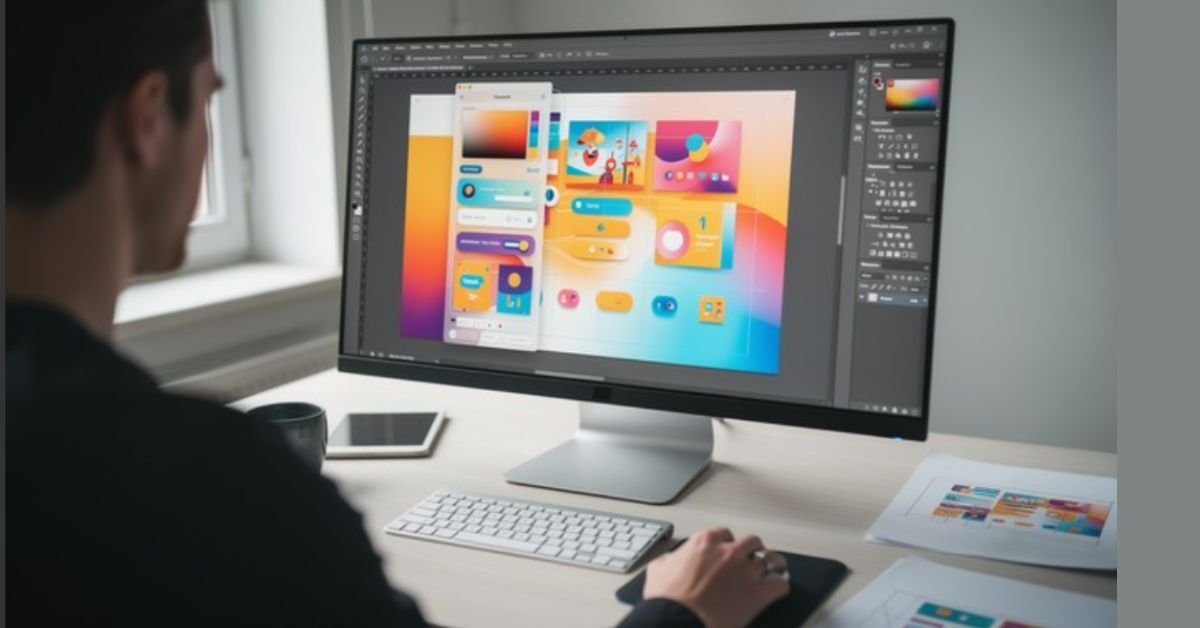
In 2026, the rise of generative AI has made protecting original creative work more difficult than ever. Traditional watermarks are easily cropped, and metadata is frequently stripped during social media uploads. Enter GFXRobotection by GFXMaker, an AI-driven security and design suite designed to help digital artists, agencies, and brands track and protect their intellectual property online.
This article breaks down how GFXRobotection works, its core features, and whether it is the right tool to add to your creative workflow.
What Is GFXRobotection?
GFXRobotection is a dual-purpose software platform that combines proactive digital asset protection with AI-assisted design tools. Unlike static watermarks, which are reactive and easily removed, GFXRobotection embeds invisible identifiers into your files that remain detectable even if the image is resized, compressed, or color-adjusted.
The software operates on a “detect-and-alert” model. By continuously scanning the web, it seeks out unauthorized copies of your work and notifies you, allowing you to take action before your content is used to train unauthorized AI models or monetized by third parties.
Key Features of GFXRobotection
The platform is designed to streamline security without interrupting the creative process. Its functionality is split into two primary categories: Asset Protection and AI Creative Workflow.
Core Security & Protection Features
- Invisible Digital Fingerprinting: Automatically analyzes your artwork’s color values, layer composition, and patterns to generate a unique, non-visible ID embedded within the file structure.
- Real-Time Web Monitoring: Runs continuous scans across the internet to detect exact matches and modified derivatives of your protected assets.
- Ownership Tagging: Attaches permanent, hidden metadata to your files, ensuring that your creator information travels with the asset.
- Smart Alert Notifications: Sends automated reports when the system detects suspicious activity or potential unauthorized use, providing you with the evidence needed to file takedown requests.
AI-Assisted Design Tools
Beyond security, GFXRobotection AI Software by GFXMaker includes features to speed up your production time:
- Automated Layout Suggestions: Analyzes your composition and provides intelligent feedback for better visual hierarchy.
- Color Palette Generation: Extracts harmonious color schemes based on your existing project style.
- Batch Protection: Allows professional studios and agencies to protect hundreds of files simultaneously.
How the GFXRobotection Workflow Works
Integrating GFXRobotection into your routine is straightforward and requires no advanced technical knowledge.
1.Export & Upload:Under 2 minutes.
Export your finished artwork from your preferred design software (e.g., Photoshop, Procreate, Affinity Designer) and upload it to the GFXRobotection dashboard.
2.Apply Fingerprinting:Instant.
The AI analyzes your file structure and embeds the unique invisible digital fingerprint and ownership metadata.
3.Activate Monitoring:Ongoing.
Once protected, the system begins scanning the web. You receive notifications only when a potential match or unauthorized use is flagged.
4.Take Action:Manual Enforcement.
If an alert is legitimate, use the evidence provided by the dashboard to file a DMCA takedown or contact the platform hosting the stolen content.
GFXRobotection vs. Conventional Protection
Many creators ask why they should pay for a tool when they can simply add a visible watermark. The table below outlines the differences between traditional methods and GFXRobotection’s AI-driven approach.
| Attribute | Traditional Watermarks | GFXRobotection (AI) |
| Visibility | Visible (often distracting) | Invisible (preserves aesthetics) |
| Resistance | Low (easily cropped/erased) | High (embedded in file structure) |
| Monitoring | Manual (time-consuming) | Fully automated (24/7 scanning) |
| Scalability | Difficult for large libraries | Supported (batch processing) |
Limitations to Consider
While GFXRobotection is a powerful layer of security, it is not a “magic bullet.” Before purchasing, keep these factors in mind:
- Not a Legal Enforcement Tool: The software identifies theft, but it does not automatically file lawsuits or contact platforms for you.
- Requires Internet: Continuous monitoring requires an active connection; offline files are not monitored until uploaded.
- Complementary Security: It is best used alongside other preemptive tools like Glaze or Nightshade, which alter pixel data to specifically disrupt AI model training.
Frequently Asked Questions (FAQs)
Does GFXRobotection change how my artwork looks?
No. The digital fingerprinting process is invisible and does not alter the color, resolution, or quality of your original image.
Can I use this for video or animation files?
Currently, the platform focuses primarily on static graphic design assets. Check the official GFXMaker website for the most recent updates on file format compatibility.
Is GFXRobotection a replacement for copyright registration?
No. While it provides excellent evidence of ownership and digital history, it does not replace formal legal copyright registration with the U.S. Copyright Office.
Does it work if someone screenshots my image?
Yes. Because the fingerprint is embedded into the structural data of the image itself, the detection system is often able to track the asset even after screenshots or minor edits.
Conclusion
GFXRobotection by GFXRobotection AI Software by GFXMaker is a sophisticated solution for creators navigating the modern digital landscape. By shifting from reactive watermarking to proactive, AI-driven monitoring, artists can reclaim control over their intellectual property. While it remains a supplementary tool rather than a legal substitute, its ability to provide actionable evidence makes it a highly valuable asset for professionals serious about protecting their portfolio.
Read More Informative Blogs: Why is Windows 9 skipped? The Real Story Behind Windows 10/How to Stop an Update in Windows 10 (Fast Emergency Fixes & Long-Term Solutions)
