
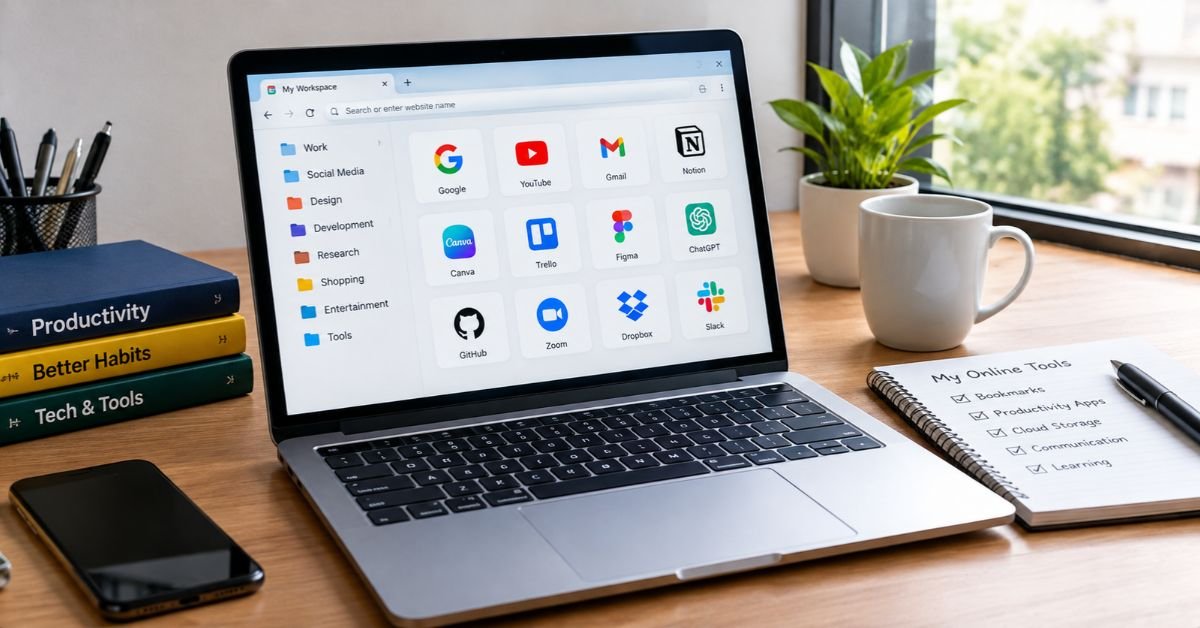
Personal computers remain essential tools for work, education, entertainment, and everyday communication. From research and project management to cloud applications and learning new skills, PC users regularly rely on numerous websites and online services. However, as the number of digital tools grows, tracking frequently visited websites can become challenging. A thoughtful organization strategy can simplify browsing, boost productivity, and help users use their time online more effectively.
Why Website Organization Matters
Many computer users visit the same websites repeatedly throughout the day. These may include email platforms, online document editors, project management systems, educational resources, news websites, and industry-specific tools. Without a clear organizational system, users may waste time searching browser history, opening multiple tabs, or manually typing website addresses.
A structured approach reduces this friction by keeping important resources accessible. When websites are organized by purpose, users can move between tasks more efficiently and maintain a more consistent workflow.
Website organization is especially valuable for professionals who work with multiple clients, students managing research projects, and people who rely on online tools for personal tasks. Even a simple system can make everyday computer use more convenient.
Use Browser Bookmarks Strategically
Browser bookmarks are among the easiest ways to organize frequently visited websites. Instead of saving every website in one long list, PC users can create folders based on specific tasks or interests.
For example, a professional might create separate folders for client projects, marketing tools, financial services, and research materials. Students could organize their bookmarks into subjects such as mathematics, science, writing, and online libraries.
Clear folder names make it easier to quickly identify relevant resources. Removing outdated bookmarks and checking saved links periodically also helps keep the collection useful.
Users who work across multiple computers can use browser synchronization to keep bookmarks and other browsing settings accessible across supported devices. Appropriate account security and privacy settings should be maintained when using this feature.
Explore Organized Website Collections
Browser bookmarks help you save individual pages, but discovering new resources often requires a different approach. Organized website directories can help users explore websites grouped by category, purpose, or industry.
For instance, someone looking for productivity solutions may want to compare online calendars, note-taking applications, cloud storage services, and collaboration platforms. A categorized directory can provide a convenient starting point for discovering these options without searching for each tool separately.
Well-organized, useful website collections can group related online destinations, helping PC users discover resources that support their personal and professional needs. These collections are especially helpful when users want to explore unfamiliar categories or find alternatives to tools they already use.
To get the most value from a directory, users should prioritize relevant categories, clear descriptions, and functional links. Still, check each website’s reliability before sharing personal information or creating accounts.
Take Advantage of Browser Tabs and Workspaces
Browser tabs make multitasking convenient, but too many open at once can create confusion and drain system resources. A better strategy is to group tabs by activity.
For example, a user researching a business topic might keep reference articles, spreadsheets, and relevant tools together in one browsing session. Another session could focus on communication and daily administration.
Browsers that support tab groups, saved sessions, or workspaces can make these activities easier to manage. Users should also close unnecessary tabs and save important pages before ending a session.
Combining tab organization with bookmarks creates a practical balance between immediate access and long-term storage. Frequently used websites stay easy to find, while temporary research doesn’t clutter the browsing environment.
Create a Personalized Digital Workspace
A personalized digital workspace can further improve the way PC users access online resources. Depending on individual needs, this workspace might include a browser homepage with selected shortcuts, a task management application, a note-taking tool, and links to essential websites.
Professionals may benefit from keeping client resources separate from personal browsing. Students can maintain dedicated collections for coursework, assignments, and research. Remote workers might organize communication platforms, shared documents, and project dashboards into a single routine.
The objective is not to use as many tools as possible. Instead, users should select a manageable set of resources that genuinely supports their daily activities.
A simple organizational system often works better than a complicated setup that requires constant maintenance.
Maintain Security While Staying Organized
Convenience should never come at the expense of online security. PC users should verify website addresses before entering passwords or payment details and avoid saving sensitive information on shared computers.
Password managers can securely organize login credentials, while multifactor authentication adds another layer of protection to important accounts. Users should also review browser extensions regularly and remove those they no longer need.
When collecting website links, distinguish trusted resources from unfamiliar destinations. A well-organized collection should make navigation easier without encouraging users to overlook privacy, security, or website credibility.
Regularly review saved links, update important shortcuts, and remove obsolete resources to keep your digital workspace effective over time.
Conclusion
Organizing websites and online tools is a practical way for PC users to improve productivity and simplify everyday browsing. Strategic bookmarks, categorized website directories, manageable browser tabs, and personalized digital workspaces can reduce wasted time and make essential resources easier to access. By combining these methods with sensible security practices and regular maintenance, users can create a browsing environment that supports their individual needs. A thoughtful approach to digital organization ultimately makes computer use more efficient, accessible, and enjoyable.
