
Key Takeaways
- Microsoft never officially credited the Windows XP Tour narrator. This isn’t a case of the answer being hidden; it genuinely was never documented publicly.
- The Jen Taylor theory is unconfirmed. It’s the most popular guess online, but there’s no verified evidence behind it.
- The Tour narrator is not the same as Microsoft Sam. One is a real human voice actor; the other is a text-to-speech engine.
- You can still hear it today through preserved YouTube uploads, archived audio files, or by running the original tool in a virtual machine.
- AI voice recreations exist, but they’re fan-made tributes, not confirmations of the original actor’s identity.
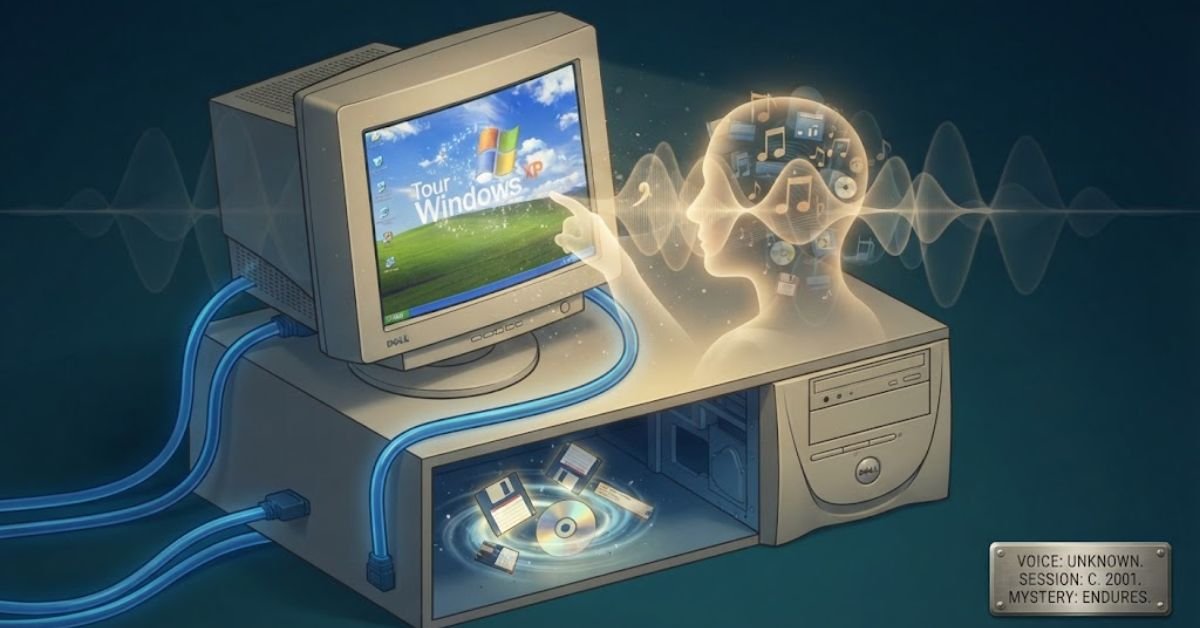
If you grew up clicking through a beige Dell desktop in the early 2000s, you probably remember that calm, friendly voice walking you through your brand-new copy of Windows XP. It felt warm. Reassuring. Almost like a tech-savvy friend showing you around.
And yet, more than two decades later, nobody officially knows who that voice belongs to.
This isn’t a case of the answer being buried in an obscure Microsoft press release. It’s an actual, unresolved mystery that tech historians, voice-acting forums, and Windows nostalgia communities have been chasing since at least the mid-2000s.
Let’s break down what we actually know, what’s just internet folklore, and how you can hear that voice again today.
The Short Answer: Microsoft Never Credited the Narrator
Microsoft has never publicly identified the voice actor behind the Windows XP “Tour” walkthrough.
The Windows XP Tour was a short interactive presentation (accessible from the Start Menu under “Tour Windows XP” or via tourxp.exe) that introduced new users to the desktop, taskbar, and Start Menu redesign. It played short audio clips explaining each feature as the on-screen animation highlighted it.
Unlike movies, video games, or even other Microsoft products from the same era, this internal training tool didn’t ship with voice credits. There’s no end-of-tour “Voiced by…” screen, no mention in the Windows XP resource kit, and no name attached in Microsoft’s official documentation.
This is why the mystery has persisted for so long. People have been searching for this answer since XP launched in 2001, and even Microsoft’s own support forums have threads from the 2010s where employees and community moderators simply say they don’t know.
Why This Mystery Has Lasted Over 20 Years
A few factors made this particular voice untraceable, unlike most corporate narration work.
No credits roll. Corporate training and tutorial voiceovers are almost never credited the way commercials or games are. Voice actors doing this kind of work are typically paid a flat session fee and don’t retain ongoing rights or recognition.
It predates searchable voice databases. Sites like Behind The Voice Actors and IMDb’s voice-credit sections became robust well after 2001. A short internal Microsoft training clip was never going to make it into those archives.
The agency likely doesn’t remember either. Voiceover agencies handle hundreds of anonymous corporate gigs a year. Without a contract or invoice pulled from 2001, even the agency that booked the session may have no record of which artist was assigned.
Microsoft outsourced most of this work. Big companies rarely record internal training narration in-house. It almost certainly went through a voice talent agency or production house contracted for the XP launch materials, and that paper trail has gone cold.
Debunking the Popular Theories
Over the years, a few names have circulated as “the answer.” Here’s why none of them hold up.
Theory 1: It’s Jen Taylor (Cortana, Princess Peach)
This is the most common guess, and it comes from a long-running Microsoft Answers forum thread. The theory makes sense on the surface. Jen Taylor is a well-known Microsoft voice talent who later became the voice of Cortana in Windows 10 and Halo.
But there’s no evidence connecting her to the 2001 XP Tour recording. The voices are also stylistically different. The XP Tour narrator has a slightly deeper, more neutral “corporate training” cadence, while Jen Taylor’s later Microsoft work has a distinctly different tone and register.
Theory 2: It’s the same voice as Microsoft Sam
Some people conflate the XP Tour narrator with Microsoft Sam, the default text-to-speech voice built into the Windows XP Narrator accessibility tool. These are two completely separate things.
Microsoft Sam was a synthesized computer voice generated by a speech engine (originally built on technology from Lernout & Hauspie, later licensed through ScanSoft). The XP Tour narrator was a real human being recorded in a studio. If you listen closely, this becomes obvious. Sam sounds robotic and clipped; the Tour narrator has natural breath patterns, inflection, and warmth that text-to-speech engines from that era simply couldn’t produce.
Theory 3: It’s a random uncredited freelancer nobody will ever identify
This is, frustratingly, the most likely explanation. Corporate voiceover work in the early 2000s was often booked through a temp agency or production house, recorded in a single afternoon session, and never tracked again. It’s very possible the voice actor themselves doesn’t even remember doing it, since it may have been one of dozens of similar corporate gigs that year.
Comparing the Theories at a Glance
| Theory | Plausibility | Supporting Evidence | Why It’s Doubted |
| Jen Taylor | Low-Moderate | She’s a known Microsoft voice talent from a similar era | No documentation, tone doesn’t fully match |
| Microsoft Sam (TTS) | None | Common mix-up due to same Windows XP era | Sam is synthetic speech, not a human recording |
| Uncredited freelance VO artist | High | Standard industry practice for internal corporate media | Untraceable by nature; no way to confirm |
| Internal Microsoft employee | Low | Some 90s/2000s tutorials used staff voices | No employee has come forward in 20+ years |
How to Actually Hear the Windows XP Tour Voice Today
You don’t need a working XP machine to experience this piece of internet history. Here’s how people access it now.
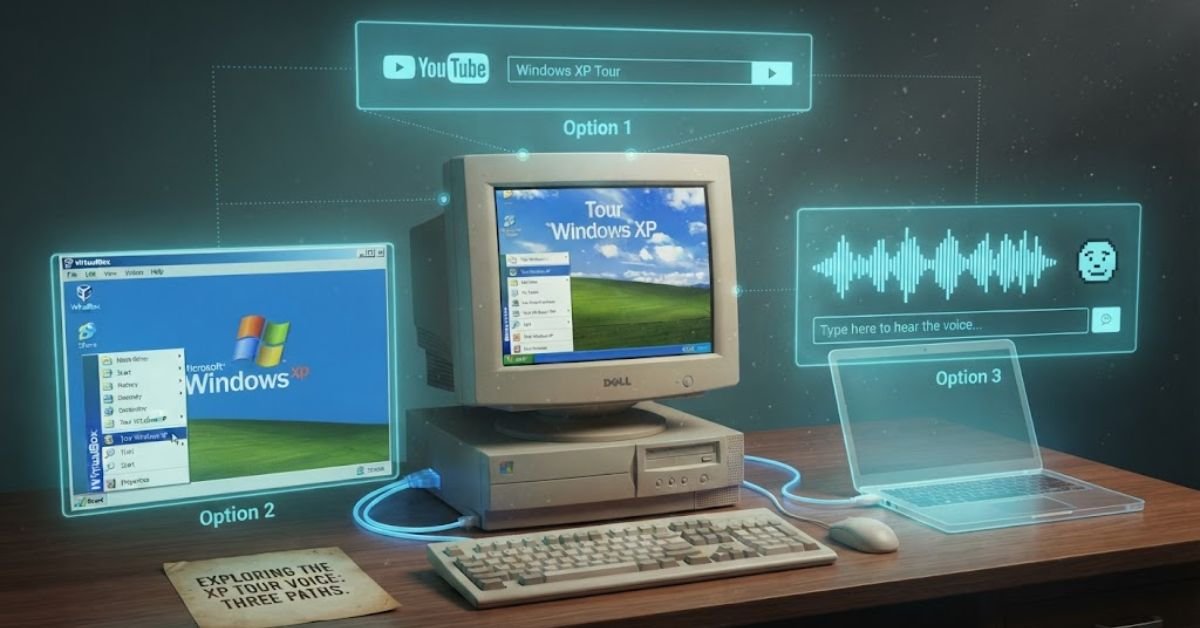
Option 1: YouTube archives
Search “Windows XP Tour” on YouTube. Multiple uploaders have preserved full playthroughs of tourxp.exe, capturing both the narration and the accompanying music (composed by Bill Brown, which is separately documented and archived).
Option 2: Run it in a virtual machine
If you want the authentic, unedited experience:
- Download a legal Windows XP ISO (Microsoft still permits this for legacy testing purposes in some contexts, or use an official evaluation VM)
- Set it up in VirtualBox or VMware
- Navigate to Start Menu > All Programs > Tour Windows XP
- Run it directly to hear the original uncompressed audio
Option 3: AI voice clone soundboards
Fan communities have trained AI voice models on audio clips extracted from the tour. Sites hosting TTS (“text-to-speech”) tools built from the narrator’s voice let you type text and generate new lines in that same recognizable tone. These are fan-made recreations, not the real actor, and should be treated as parody/tribute content rather than an authoritative source.
Read More: How to Update Drivers Automatically on Windows 11 (Step-by-Step Guide)
Troubleshooting: “I Can’t Find or Play the XP Tour File”
If you’re trying to track down the original file on an old machine or disk image, here’s how to actually locate it.
Step 1: Locate tourxp.exe
On a genuine Windows XP install, this file typically lives in C:\Windows\system32\ or is accessible directly through the Start Menu shortcut. If the shortcut is missing but Windows is intact, searching the system32 folder directly usually turns it up.
Step 2: Check for missing audio codecs
The tour uses WAV-based audio triggered by Windows Media Player components. If you get video but no narration on an older or heavily modified XP install, missing or corrupted .dll audio codec files are the most common cause.
Step 3: Try compatibility mode on modern systems
tourxp.exe will not run natively on Windows 10/11. If you’re testing an extracted copy, right-click the file, go to Properties > Compatibility, and set it to run in Windows XP (Service Pack 3) mode. Even then, expect limited success, since the tool depends on other XP-era system files.
Step 4: Use archived rips instead of chasing the executable
Honestly, for 95% of people who just want to hear the voice, downloading the original .exe isn’t worth the hassle. Archive.org and YouTube preservation channels already have the audio extracted and ready to stream.
Pros and Cons of the Different Ways to Revisit This Nostalgia Piece
Watching a YouTube upload
- Pro: Instant, no setup, works on any device
- Con: Video/audio quality depends entirely on the uploader’s original source
Running it in a VM
- Pro: The full, authentic, unedited original experience
- Con: Requires technical setup and a legally obtained XP ISO
Using an AI voice clone tool
- Pro: Fun for recreating the “vibe” with custom text
- Con: Not the actual voice, and quality varies wildly between fan-trained models
Frequently Asked Questions
When was Windows XP made?
Windows XP was released to the public on October 25, 2001, though Microsoft finished the code (RTM) a bit earlier, on August 24, 2001.
Who clicked (took) the Windows XP wallpaper?
The iconic green hills wallpaper, “Bliss,” was shot by photographer Charles O’Rear in 1996 in Sonoma County, California. It wasn’t digitally created — it’s an unedited photo of a real hillside near Highway 121.
Who made the Windows XP sound?
The famous startup chime was composed by musician and producer Brian Eno, known for his ambient music work. Microsoft asked him for something “reflective, universal, and optimistic” — he reportedly delivered dozens of tiny variations before Microsoft picked the final one.
Is Windows XP still usable in 2026?
Technically yes, but it’s risky. Microsoft ended all support (including security patches) back in 2014, so any XP machine online today runs on 12+ years of unpatched vulnerabilities. It’s still fine for offline use — retro gaming, old software, air-gapped machines — but browsing the internet or handling sensitive data on it is a bad idea.
Why was Windows 9 skipped?
Microsoft jumped straight from Windows 8.1 to Windows 10 in 2015. The most cited reason: a lot of old software checks the OS name using string detection, and “Windows 9” would falsely match legacy checks for “Windows 95” or “Windows 98” (e.g., code like if version.startsWith("Windows 9")), potentially breaking compatibility. Microsoft also framed 10 as a symbolic “final chapter” — a fresh platform meant to unify PC, tablet, and mobile.
Free Windows PC Upgrade Google: How ChromeOS Flex Can Save Your Old Computer
